 RouteAll
Mississippi Permit Reading Guide
Sources Reviewed: October 23, 2026
Read a Mississippi permit by identifying its exact permit category before checking the load, route, dates, and conditions. A generic Single Trip Permit is different from a Single Trip Oversize Permit. Keep every referenced condition with the issued document and verify that it covers the actual movement.
On This Page
Which Mississippi Permit Did You Receive?
Read the full permit category before interpreting the word “trip.” Mississippi uses similar labels for documents that solve different problems. A registration-related trip document does not establish that an overdimensional load has the correct movement authorization.
The MDOT Over-Dimensional Permits rules distinguish the Single Trip Permit, used instead of International Registration Plan plates, from Single Trip Oversize, Single Trip Overweight, and combined permits. The latter categories describe loads on predetermined routes.
- Registration trip: Identify whether the document concerns vehicle registration authority.
- Oversize: Check the dimension-related movement being authorized.
- Overweight: Read the weight-related authorization and route.
- Combined: Confirm both size and weight describe this load.
If dispatch sends only a document headed Single Trip Permit, ask which document authorizes the actual oversize or overweight movement. The oversize-permit basics guide explains the purpose of movement permission.
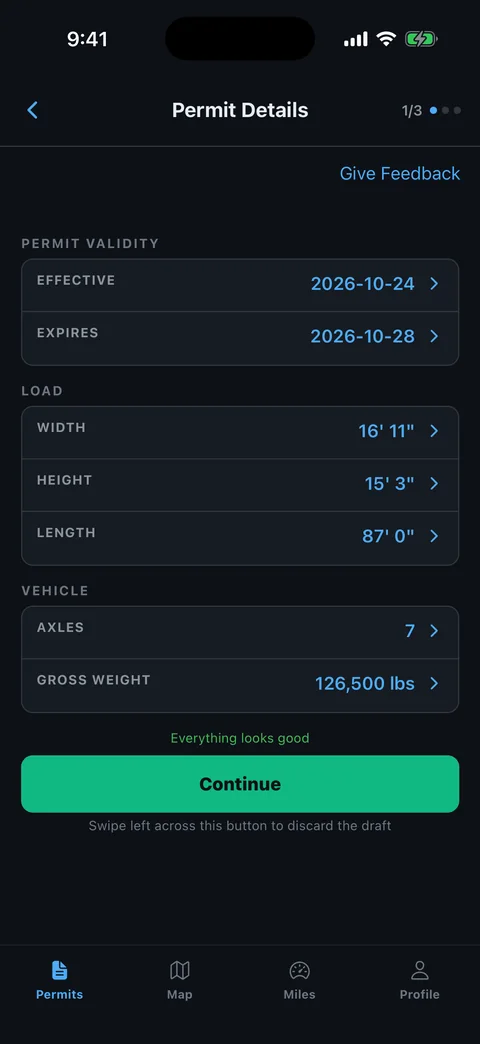
What Else Belongs With an Express Pass Permit?
Keep the issued authorization, its route, and the conditions referenced for its category together. Mississippi's rules say the Permit & Motor Carrier Manual requirements must be followed, and additional conditions may appear in a permit or blanket permit.
The official Express Pass page provides the current entry point for ordering, company profiles, tutorial resources, and permit rules. Use the issued result rather than an application preview to check what the office authorized.
- Carrier: Match the permittee with the movement being dispatched.
- Combination: Compare the equipment, axle details, and loaded dimensions.
- Itinerary: Check dates, origin, destination, and complete route instructions.
- Conditions: Open referenced material instead of leaving it as an unread attachment.
Ask for the full packet if a cropped image hides a note or continuation page. Keep your own checklist separate from the permit so readers can distinguish an issued condition from a dispatch reminder.
Does a Mississippi Blanket Permit Authorize This Trip?
Check the exact blanket category and its conditions before treating it as authority for a particular load. Mississippi lists several specialized blanket permits. Their names describe different commodities or operations, rather than a single permission covering every oversized movement.
The MDOT rules distinguish oversize, forestry, sealed-container, and other permit categories. For example, the sealed-container blanket category also requires a separate trip application for a predetermined route for each load.
- Commodity: Confirm the cargo belongs to the named category.
- Envelope: Compare the authorized size and weight with the actual load.
- Road coverage: Check the routes and exclusions stated for the category.
- Trip step: Verify whether another route authorization is required.
Do not borrow a continuous-travel condition from a different blanket category. Read annual versus single-trip permits for the questions to ask when the packet contains both documents.
How Do You Read a Predetermined Mississippi Route?
Trace the route from the issued origin to the issued destination before following navigation. A predetermined route means the reading task is to identify the approved sequence, including its connections. It is not a request to find a shorter trip between the same towns.
- Locate the start: Identify the first authorized public-road section.
- Trace road changes: Check each road number, direction, ramp, and intersection.
- Locate special notes: Attach bridge or maneuver instructions to their actual locations.
- Check the finish: Identify the authorized endpoint and final site approach.
Compare construction and travel information through the MDOT Traffic link on the official permit portal. A current notice can reveal a conflict without authorizing the alternative road shown on a map.
Ask the permit office about a route gap or unclear local-road section. The permitted-route planning guide helps you record those questions before departure.
What Do Mississippi Superload and Movement Notes Mean?
Read the conditions assigned to the actual permit category and movement. Mississippi's superload rules specifically point to permit and manual requirements, including possible escorts, flags, and lights. A crew cannot determine the complete move from the route line alone.
Use the official category definitions to identify which instructions belong to your authorization. Avoid transferring a rule from a harvest, forestry, or container permit to a general machinery load.
- Timing: Read movement hours and any date-specific limitations.
- Support: Identify required escort or other coordination.
- Equipment: Check the warning devices required for this move.
- Location: Find the road or structure affected by each special instruction.
Brief escorts from the same complete packet. A document titled Super Load can contain more than one kind of authorization, so check what each page contributes before scheduling the crew.
How Do You Resolve a Mississippi Permit Problem?
Send the exact mismatch to the MDOT Permit & Motor Carrier Division before relying on the affected authorization. Separate an Express Pass login problem from a question about the permit's category, vehicle details, or route.
The Express Pass portal provides support and Permit Office contact channels. Have the issued document available and explain the actual load rather than asking whether a generic permit is “good.”
- Identify the category: State which issued permit you are reviewing.
- Name the difference: Give the incorrect field or exact road segment.
- Provide current details: Explain the loaded configuration and intended itinerary.
- Keep the response: Retain corrected issued material and any required conditions.
After resolution, replace old copies and recheck related trip approvals. Do not edit a route in navigation and treat that change as the permit office's decision.
How Can RouteAll Help With Mississippi Directions?
RouteAll can help display readable permit directions as a route for manual inspection. Follow the PDF-permit-to-GPS guide and compare the result with the actual issued itinerary.
Check which document supplied the directions when the packet includes registration, blanket, and trip-specific paperwork. Inspect the origin, highway changes, and final authorized road. Remove mistaken office or carrier addresses from your working route only after confirming the permit sequence.
Keep category conditions outside the map available to the driver. RouteAll does not issue Mississippi permits, choose the correct statutory permit category, or authorize changed routes. If the office issues a corrected packet, repeat the route review from that version before sharing it with the crew.
A predetermined Mississippi route is already fixed, so follow the oversize permit route turn by turn exactly as it is written.
The Permit Check In One Minute
For Mississippi, identify the exact permit category first. A registration Single Trip Permit is different from an oversize or overweight movement permit. Read the carrier, loaded combination, dates, and complete route on the issued document. If you have a blanket permit, check its commodity, size, road coverage, and any additional trip-approval step. Trace each highway change and compare current MDOT travel information. Read superload and other movement conditions before arranging escorts or departure. Bring an incorrect field, unclear category, or route conflict to the Permit and Motor Carrier Division. RouteAll can help compare readable directions with a map after you manually check them. It cannot issue a permit or turn a navigation change into route approval.
Before You Roll
Confirm that the packet includes the correct movement permit, rather than only a registration trip document. Check the route and category-specific conditions against the actual load before departure.
Further Reading
Sources And Scope
This guide explains how to read the state’s published permit material. Your issued permit and incorporated conditions govern the move. Check the linked agency material for updates.
- Express Pass — Mississippi Department of Transportation — Official system, company profile and tutorial access, rules, MDOT Traffic and support links.
- Over-Dimensional Permits — Permit & Motor Carrier Division — Permit-category distinctions, predetermined routes, manual conditions, superloads, and sealed-container blanket trip requirement.